- 17
- February
In an era of ever-increasing cyber threats, relying on passwords alone is no longer sufficient to protect critical organizational data. 2FA (Two-Factor Authentication) is a security standard that every ERP system should implement to prevent unauthorized access to sensitive information.
What is 2FA?
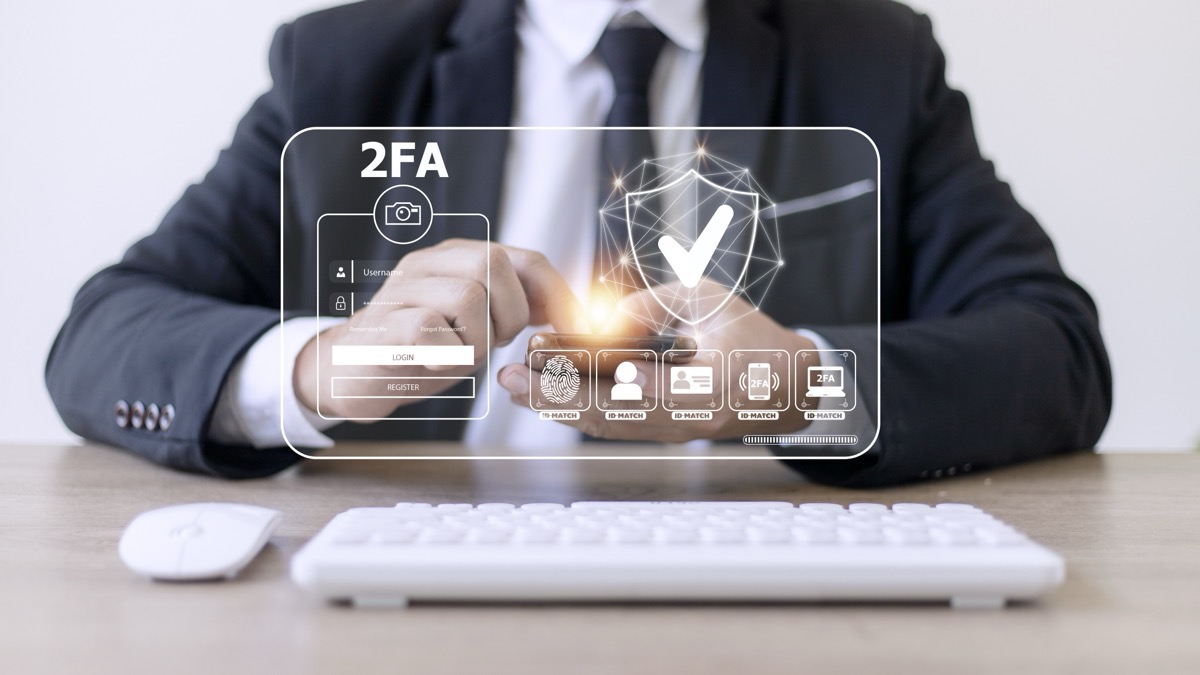
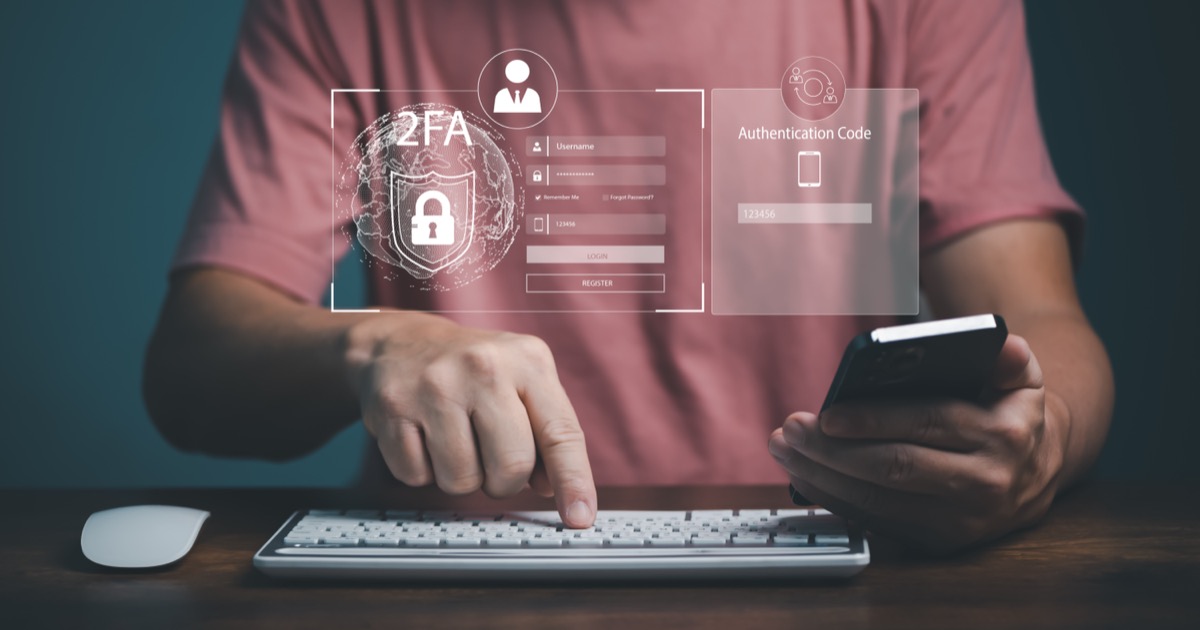
2FA (Two-Factor Authentication) is an identity verification process that requires two separate factors before granting system access. Instead of relying solely on a password, the system requests an additional layer of proof to confirm that the person logging in is the legitimate account owner.
Authentication factors are divided into three main categories:
- Something You Know — Passwords, PIN codes, security questions
- Something You Have — Mobile phone, hardware token, smart card
- Something You Are — Fingerprint, facial recognition, iris scan
Two-factor authentication combines factors from two different categories — for example, a password (something you know) plus an OTP code from your mobile phone (something you have).
Why Do ERP Systems Need 2FA?
An ERP system is the central repository of all critical organizational data — financial records, customer information, employee data, and production details. If a user account is compromised, the damage can impact the entire organization. Here is why 2FA is essential for ERP systems:
1. Protect Financial Data from Leaks
ERP systems store accounting data, invoices, transaction records, and tax information. If hackers gain access, it can lead to financial fraud, document forgery, or unauthorized fund transfers.
2. Safeguard Customer and Partner Data
Customer data such as addresses, tax identification numbers, and purchase history is highly sensitive. Leaking this information not only damages trust but may also violate data protection laws like Thailand's PDPA.
3. Reduce Risk from Stolen Passwords
Statistics show that over 80% of security breaches result from weak or stolen passwords. 2FA adds an extra layer of protection, ensuring that even if a password is compromised, hackers still cannot access the system.
4. Meet International Security Standards
Many standards such as ISO 27001 and PDPA require organizations to implement robust authentication systems. 2FA helps organizations comply with these requirements more easily.
Investing in 2FA takes only a few extra seconds per login, yet it can prevent damage that could cost millions.
- Saeree ERP Team
2FA Methods Supported by Saeree ERP
Saeree ERP offers multiple 2FA methods, allowing organizations to choose the option that best suits their needs:
OTP via SMS / Email
The system sends a 6-digit OTP (One-Time Password) to the registered phone number or email address. The code is time-limited, preventing reuse and ensuring security.
Authenticator App
Compatible with apps such as Google Authenticator, Microsoft Authenticator, and Authy, generating TOTP (Time-based OTP) codes that refresh every 30 seconds. This method is more secure than SMS as it does not rely on cellular networks.
Biometric (Fingerprint / Face Recognition)
For supported devices, fingerprint or facial recognition can serve as the second factor — offering maximum convenience, speed, and security.

How to Set Up 2FA in Saeree ERP
Enabling 2FA in Saeree ERP is simple and takes just a few steps:
- Log In — Sign in to Saeree ERP with an administrator account
- Navigate to Security Settings — Go to Settings > Security > Two-Factor Authentication
- Select a 2FA Method — Choose OTP via SMS, Authenticator App, or Biometric
- Enforce for Users — Set policies for which user groups must enable 2FA (recommended for all users)
- Test the System — Perform a test login to confirm 2FA is working correctly
Recommendations for Organizations Getting Started with 2FA
- Start with high-privilege users — Enforce 2FA for system administrators, managers, and the accounting team first
- Train employees — Conduct training sessions so staff understand why 2FA is important and how to use it
- Prepare a backup plan — Establish account recovery procedures for users who lose their phone or cannot receive OTP codes
- Review logs regularly — Monitor login records to detect suspicious activity
Conclusion
2FA is not optional — it is essential for any quality ERP system. Adding just one extra verification step can dramatically reduce the risk of security breaches. Saeree ERP comes with built-in 2FA support, offering multiple methods that are easy to configure and convenient to use, suitable for organizations of all sizes.
If you are interested in Saeree ERP with robust 2FA security, please contact our team for more information.