- 02
- July
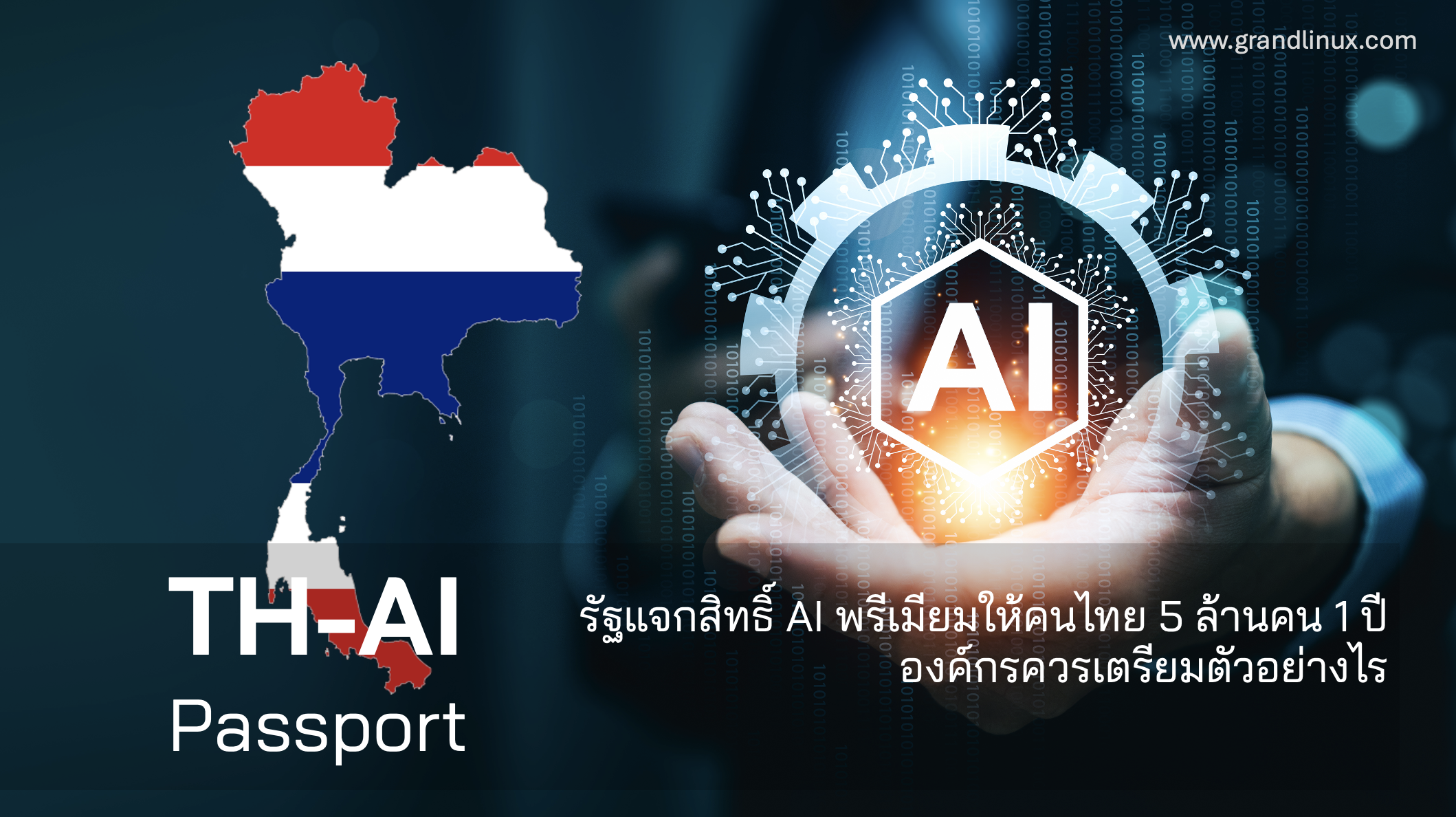
The government's TH-AI Passport program aims to give Thai citizens aged 15 and over — up to 5 million people — free one-year access to premium AI tools (such as Claude Pro, ChatGPT Plus, and Gemini Advanced), bundled with upskilling courses. This is good news for the Thai workforce's skills, but for executives and IT it immediately creates a new problem: once our employees have their own free premium AI accounts, how do we govern their use with "company data"? This article looks at the issue from the organizational level — not just the excitement of something free.
In one line: The free state AI entitlement is a personal account for each employee, not a company account. Organizations should therefore prepare three things — (1) an AI usage policy, (2) Data Governance/PDPA to prevent company data leaks, and (3) a plan for real work that touches actual data, which belongs on an organization-grade account (Team/Enterprise) instead.
What is this program (facts in brief)
As reported (verified as of July 2026), the TH-AI Passport program has the following key points — some details may change following government review, so treat official announcements as authoritative.
| Aspect | Reported detail |
|---|---|
| Target group | Thai citizens aged 15 and over, up to 5 million people |
| Entitlement | Free 1-year access to multiple premium AI platforms + upskilling courses |
| Budget | More than 1,600 million baht, via the DE Fund |
| Policy goal | Close Thailand's AI-adoption gap (reported around 10.7%) versus regional peers |
| Registration | Opened mid-2026 (5 June 2026 as reported) |
A common misunderstanding: this entitlement is a personal account (Free/Pro) the state provides to citizens — not an account the organization can control. That differs from Team/Enterprise plans, which include Admin/SSO/Audit. This distinction is the heart of the article.
Why organizations must "prepare," not just celebrate
When millions of employees have personal premium AI tools, what happens naturally is that they use them for work — including work that touches company data, such as pasting contracts, customer data, or internal reports into a chat. The problem is that personal accounts give the organization no controls, and the organization has no visibility into who took what out — this is the risk known as Shadow AI.
| Risk | Why it matters to the organization |
|---|---|
| Company data leaking via personal accounts | The organization can't see it or control retention; may breach PDPA and customer confidentiality agreements |
| No audit / no traceability | When an incident occurs, there's no record of what data left, who did it, and when |
| Free access ends in 1 year | Work the team has come to rely on will stall without a plan to continue on a company account |
| Inconsistent output quality | No shared guidance/prompts — everyone works to a different standard |
On the bright side: the program helps "teach people to use AI" at scale, which benefits organizations — employees already familiar with the tools onboard faster onto company accounts. Organizations that prepare a policy and the right options in advance will get the most out of this skills wave.
3 things organizations should do now
1. Set an AI Usage Policy — state clearly what may and may not go into an AI chat, which data types must never leave company systems (customer data, contracts, financial statements), and which tasks must use a company account only. A clear policy lets employees use AI confidently without accidentally doing the wrong thing.
2. Get Data Governance ready for PDPA — define that work touching personal/confidential data must sit on an account with a "no training on your data" condition, audit logs, and configurable retention. See the approach in Claude — Data Governance & Security.
3. Plan for real work — a company account (Team/Enterprise) — let the state's free entitlement be a "training ground," and keep work that touches real company data on a controllable company account from the start. See which use cases belong on a company account in Claude Use Cases.
Connecting to organizational data: AI is most useful when it works with an organization's "trusted data." A core system like Saeree ERP is the source of truth for accounting, inventory, and budget figures, while AI turns those numbers into reports and analysis — and connecting the two must happen on an account you can govern.
Personal account (free from the state) vs company account — what's different
The heart of this issue is understanding that "a free state entitlement" and "an account the organization can control" are two different things. This table makes clear why work touching company data shouldn't live on a personal account (verified as of July 2026).
| Aspect | Personal account (Free/Pro) | Company account (Team/Enterprise) |
|---|---|---|
| Who owns the account | The individual employee | The organization (admin control) |
| When an employee leaves | Data/chats leave with them | Org can revoke/transfer the work |
| Visibility of who did what (audit) | None | Audit logs (Enterprise) |
| No-training-on-your-data terms | Varies by plan | Not trained by default |
| When the free year ends | Work stalls; find your own way to continue | Renew continuously; work never stops |
| Integration with company systems (ERP, etc.) | Limited | Possible via API/Integration |
The dividing line in short: let employees use the free state entitlement to "learn and practice" freely — but the moment "company data" enters the work, move it to a company account. That's a simple rule worth writing into your policy.
What an AI Usage Policy should contain (checklist)
An AI usage policy doesn't need to be long or complex — one clear page beats a thick manual no one reads. At minimum it should cover:
- Data that must never be entered — customer personal data, card/account numbers, NDA-covered contracts, trade secrets, legally protected data
- Data allowed but with caution — general internal data, to be used only on a company account, not a personal one
- Work where AI can be used freely — public work, general drafting, summarizing publishable documents
- Which accounts are permitted — state that company work must use the organization account (Team/Enterprise) provided by IT
- User responsibility — people must always review outputs before use; AI is an assistant, not a decision-maker
- Where to ask when unsure — who owns/answers questions about AI use in the organization
Tip: write the policy as "what you can do" rather than only "what's forbidden." Employees will feel confident and use the right account. A policy of only prohibitions pushes people to secretly use personal accounts — becoming Shadow AI that's even harder to control.
A 90-day timeline to prepare your organization
Don't wait for everything to be perfect — start small and expand. This 90-day approach works for most organizations:
| Phase | What to do |
|---|---|
| First 30 days | Issue a one-page AI Usage Policy + communicate org-wide; survey who is already using which AI (including personal accounts) |
| Days 31–60 | Pilot a company account with 1–2 departments whose work touches real data; set up admin/governance; capture use cases that work |
| Days 61–90 | Expand to other departments based on pilot results; train teams; plan integration with company systems (e.g. ERP) and next-year budget |
For government agencies
Public-sector agencies interested in using AI on internal work have added considerations around procurement and official data. Using AI with confidential or citizen data must be on a controllable account and procured within regulations. See the government-specific guidance at Claude for Government.
Conclusion
The TH-AI Passport is a boost that familiarizes Thais with AI at scale, which is good for workforce skills and for organizations in the long run. But for executives, the question isn't "is free good?" — it's "when employees have personal AI, how do we protect company data and set usage standards?" The answer is to prepare a policy + Data Governance + a company account for real work, starting today, before uncontrolled use becomes a risk.
A free state entitlement is a great "training ground," but company data shouldn't live on personal accounts. Organizations that prepare a policy and an organization-grade account first will turn this skills wave into an advantage, not a risk.
- A view on preparing organizations for the AI wave
References
- The Nation Thailand — AI skills promotion policy
- Bangkok Post — New plan to boost Thais' AI awareness
- Claude — Plans & Pricing (Free/Pro/Team/Enterprise)
Prepare your organization to use AI safely
Grand Linux helps Thai organizations set an AI usage policy and procure controllable Claude Team/Enterprise — issuing VAT 7% tax invoices, supporting withholding tax, paying in baht, and advising on Data Governance (DPA/PDPA) so work that touches company data stays on an auditable account.
Get advice / request a quoteTel 02-347-7730 | sale@grandlinux.com