
- 22
- February
If you have ever heard terms like "OWASP-compliant system" or "tested against OWASP Top 10 standards" and wondered what it all means, how to test, and how to know if your system truly passes — this article explains everything in plain language, complete with testing tools and criteria that Thai organizations should know.
What is OWASP?
OWASP (Open Worldwide Application Security Project) is a global non-profit organization founded in 2001 with the mission to improve software security worldwide by providing free guidelines, tools, and reference documentation.
OWASP Top 10 is a list of the 10 most common security risks in web applications — updated every 3-4 years, with the latest version being OWASP Top 10:2021.
Why is OWASP Top 10 Important?
- It is a reference standard accepted by regulatory bodies worldwide (including Thailand's ETDA and OCSC)
- It serves as the foundation for Penetration Testing and Security Audits in every project
- It covers vulnerabilities responsible for over 90% of hacking incidents
- Thai government and private organizations increasingly require system developers to pass OWASP Top 10 testing before project delivery
OWASP Top 10:2021 — What Are All 10 Items?
Let us understand each item with easy-to-follow examples:
A01:2021 — Broken Access Control
Users can access data or perform actions they are not authorized for, such as regular employees viewing executive salaries or modifying data that does not belong to them.
Example: Changing the URL from /user/profile?id=100 to ?id=101 and seeing another person's data
A02:2021 — Cryptographic Failures
The system fails to encrypt sensitive data or uses outdated encryption methods, such as storing passwords in plain text, transmitting data over HTTP instead of HTTPS, or using algorithms that have already been cracked.
A03:2021 — Injection
Attackers inject malicious commands into input fields that the system processes directly, including SQL Injection, XSS (Cross-Site Scripting), Command Injection, and LDAP Injection.
A04:2021 — Insecure Design
Problems arising from system architecture designed without security considerations from the start — different from implementation bugs because even with 100% correct code, an insecure design remains vulnerable.
Example: A password reset system sends a link via email but with no expiration — the link works forever.
A05:2021 — Security Misconfiguration
The system is configured insecurely, such as enabling directory listing, using default passwords, running debug mode in production, or displaying internal system information in error messages.
A06:2021 — Vulnerable and Outdated Components
Using libraries, frameworks, or plugins with known vulnerabilities (read real case studies at Node.js Supply Chain Attack 2025-2026) or outdated unsupported versions — a favorite attack vector because ready-made exploits exist.
A07:2021 — Identification and Authentication Failures
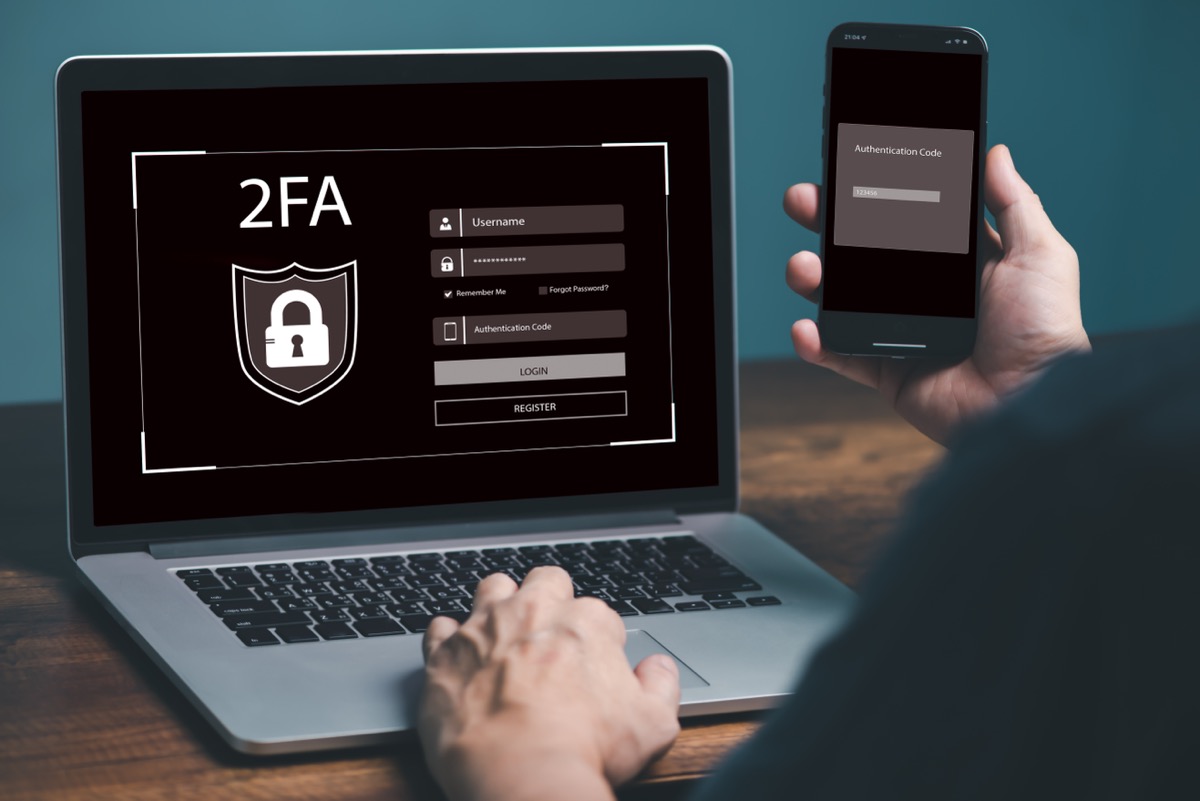
The login system has vulnerabilities such as allowing weak passwords, no rate limiting (unlimited brute force attempts), no support for Two-Factor Authentication (2FA), or sessions that never expire.
A08:2021 — Software and Data Integrity Failures
The system does not verify the integrity of software updates, CI/CD pipelines, or data from external APIs — attackers may inject malicious code into the supply chain.
A09:2021 — Security Logging and Monitoring Failures
Insufficient logging or no alerting system — when attacked, the organization does not know, cannot investigate retrospectively, and cannot respond in time. Organizations should also plan for Disaster Recovery in parallel.
A10:2021 — Server-Side Request Forgery (SSRF)
Attackers trick the server into calling internal URLs that are normally inaccessible from outside, such as accessing internal APIs, cloud metadata servers (AWS/GCP), or unexposed internal services.

OWASP Top 10 Summary in a Single Table
| Code | Name | Brief Description |
|---|---|---|
| A01 | Broken Access Control | Accessing unauthorized data/functions |
| A02 | Cryptographic Failures | Incorrect or missing encryption |
| A03 | Injection | Injecting malicious commands (SQL, XSS) |
| A04 | Insecure Design | Insecure system design from the start |
| A05 | Security Misconfiguration | Incorrect/insecure system configuration |
| A06 | Vulnerable Components | Using vulnerable libraries/frameworks |
| A07 | Auth Failures | Weak authentication system |
| A08 | Integrity Failures | No verification of software/data integrity |
| A09 | Logging Failures | Insufficient logging/monitoring |
| A10 | SSRF | Tricking server to call internal URLs |
How to Test OWASP Top 10?
Testing involves 2 main approaches that must be used together — no single tool can cover everything:
1. Automated Testing
Using automated tools to scan for vulnerabilities — suitable for initial checks and regular re-testing.
| Tools | Types | Price | OWASP Coverage |
|---|---|---|---|
| OWASP ZAP | DAST (Dynamic) | Free (Open Source) | A01, A03, A05, A07 |
| Burp Suite | DAST + Manual | Community Free / Pro Paid | A01-A10 (Pro) |
| Nikto | Web Server Scanner | Free (Open Source) | A05, A06 |
| SonarQube | SAST (Static) | Community Free / Enterprise Paid | A03, A04, A08 |
| OWASP Dependency-Check | SCA (Software Composition) | Free (Open Source) | A06 |
| Nessus | Vulnerability Scanner | Paid (Trial available) | A02, A05, A06 |
Recommended for Getting Started:
Use OWASP ZAP (free) for initial web application scanning + OWASP Dependency-Check to check for vulnerable libraries — these two tools cover the most common issues at no cost.
2. Manual Testing / Penetration Testing
Using security experts (Pentesters) for manual testing — because some types of vulnerabilities cannot be found by automated tools:
| OWASP Vulnerability | Manual Testing Method |
|---|---|
| A01 Broken Access Control | Change ID in URL, try accessing another user's API, test role escalation |
| A02 Cryptographic Failures | Check HTTPS certificate, review HTTP headers, inspect password storage |
| A03 Injection | Send SQL payloads in input fields, test XSS across various inputs |
| A04 Insecure Design | Review architecture, check business logic flaws, threat modeling |
| A05 Security Misconfig | Check default credentials, HTTP headers, error messages, open ports |
| A06 Vulnerable Components | Check all library versions against CVE database |
| A07 Auth Failures | Brute Force test, Session hijacking, Password policy test |
| A08 Integrity Failures | Check CI/CD pipeline, Deserialization test, SRI check |
| A09 Logging Failures | Verify that failed logins/anomalies are logged and alerts are triggered |
| A10 SSRF | Test sending internal URLs (127.0.0.1, metadata endpoint) via input |
3. Code Review
Directly reviewing source code to find hidden vulnerabilities — the best method for A04 (Insecure Design) and A08 (Integrity Failures), which external scanning tools cannot detect.
How Do You Know If You "Pass" OWASP Top 10?
There is no official OWASP certificate for "passing" — but there are clear criteria and standards for measuring results:
Criterion 1: Penetration Test Report
When hiring a security firm for a pentest, you receive a report classifying vulnerabilities by severity:
| Severity Level | Meaning | Passing Criteria |
|---|---|---|
| Critical | Critical vulnerability, immediately exploitable | Must have none |
| High | Major vulnerability with high risk | Must have none |
| Medium | Medium severity vulnerability | Must have a remediation plan |
| Low | Low severity vulnerability | Acknowledge and monitor |
| Informational | Observations/recommendations | Consider improvements |
Summary: "Passing" OWASP Top 10 means
- No Critical or High severity vulnerabilities
- Medium vulnerabilities have a remediation plan within a defined timeframe
- Testing covers all 10 items (not just some)
Criterion 2: OWASP ASVS Standard
ASVS (Application Security Verification Standard) is a standard created by OWASP for systematically verifying application security, with 3 levels:
| Level | Suitable For | Number of Requirements |
|---|---|---|
| Level 1 | General applications — low risk | ~130 items |
| Level 2 | Apps with sensitive data, such as ERP systems | ~270 items |
| Level 3 | Highest-risk apps such as banking, healthcare, military | ~290 items |
Criterion 3: Related International Standards
- ISO 27001 — Information Security Management System (ISMS) standard covering policies, people, and technology
- PCI DSS — Standard for payment-related systems requiring OWASP Top 10 testing
- PDPA (Personal Data Protection Act) — Thai law requiring appropriate security measures
Complete OWASP Top 10 Testing Process
For organizations wanting to test their ERP system or web application, the recommended steps are:
| Steps | Details | Responsible Party |
|---|---|---|
| 1. Define Scope | Identify URLs, API endpoints, and systems to test | Project Manager + Pentester |
| 2. Automated Scan | Use OWASP ZAP / Burp Suite for initial scanning | Security Team / Pentester |
| 3. Manual Pentest | Manual testing covering A01-A10 | Pentester (Expert) |
| 4. Code Review | Review source code at high-risk points | Security Engineer / Developer |
| 5. Report Results | Summarize vulnerabilities + severity levels + recommendations | Pentester |
| 6. Remediation | Fix vulnerabilities per recommendations | Development Team |
| 7. Re-test | Re-test only fixed vulnerabilities to confirm successful remediation | Pentester |
Saeree ERP and OWASP Top 10
Saeree ERP is designed with OWASP Top 10 security in mind from the architectural level:
| OWASP | Saeree ERP's Approach |
|---|---|
| A01 Access Control | Role-Based Access Control (RBAC) with permissions down to menu and button level |
| A02 Cryptographic | HTTPS for all connections, BCrypt password encryption, sensitive data encryption |
| A03 Injection | ORM + Parameterized Query throughout, no SQL string concatenation |
| A04 Insecure Design | Layered Architecture with clear separation (API → Service → Data) |
| A05 Misconfiguration | Security Hardening Checklist, debug disabled in production, custom error pages |
| A06 Vulnerable Components | Regular framework/library updates, CVE checks before deployment |
| A07 Auth Failures | Supports Two-Factor Authentication (2FA), password policy, session timeout |
| A08 Integrity | Checksum verification for updates, Digital Signature for documents |
| A09 Logging | Audit trail for every transaction, logging all successful/failed logins |
| A10 SSRF | URL whitelisting, blocking internal IP calls from user input |
Passing OWASP Top 10 is not just about tools or a one-time test — it is about designing systems to be secure from the start and testing regularly. Saeree ERP is built on the "Security by Design" principle so organizations can be confident their critical data is properly protected.
- Development Team Saeree ERP
Checklist for Organizations — Is Your System Ready for OWASP Top 10?
| ☐ | Has penetration testing been conducted covering all 10 OWASP Top 10 items? |
| ☐ | Does the pentest report show no Critical/High vulnerabilities? |
| ☐ | Is there an access control system with permissions granular to menu/button level? |
| ☐ | Do all SQL queries use parameterized queries / ORM? |
| ☐ | Is sensitive data (passwords, personal data) encrypted? |
| ☐ | Is Two-Factor Authentication (2FA) supported? |
| ☐ | Is there an audit trail recording every change? |
| ☐ | Are libraries/frameworks up-to-date with no known CVEs? |
| ☐ | Is there a regular re-testing plan, at least annually? |
If your organization needs an ERP system designed following OWASP Top 10 guidelines from the architecture level, you can schedule a demo or contact our advisory team for further discussion.