- 4
- March
In March 2026, Huntress (a cybersecurity firm) revealed a new attack pattern found in 5 or more organizations — hackers send thousands of spam emails to flood the target's inbox, then follow up with a phone call claiming to be "IT Support" to "help fix the problem" — in reality, it's a trick to install Remote Access Tools that lead to data theft or ransomware deployment.
What is a Fake IT Support Attack?
Fake IT Support Attack is a social engineering tactic where hackers "create a problem" for the target first, then "offer to fix it" — a psychological technique that makes victims trust and willingly grant computer access without suspecting they are being attacked.
The 5-Step Attack Process
| Step | What Hackers Do | Objective |
|---|---|---|
| Step 1 | Spam Bomb — Send thousands of spam emails to the target | Create stress so the victim wants help |
| Step 2 | Phone call introducing themselves as the organization's IT Support | Build credibility using technical jargon to appear professional |
| Step 3 | Request Remote Access via Teams, AnyDesk, or TeamViewer | Gain access to the victim's computer |
| Step 4 | Install C2 Framework (Havoc, Cobalt Strike) | Plant a backdoor for long-term machine control |
| Step 5 | Steal data or install Ransomware for ransom | Access critical data or encrypt all system files |
Why is This Attack So Effective?
Reasons Why Fake IT Support Has Such a High Success Rate:
- Employees are stressed from being flooded with spam and will accept help from anyone
- Hackers sound just like real IT staff — using technical terms and knowing the organization's system names
- They use normal channels (Microsoft Teams, phone calls) that are not blocked by firewalls
- No malware in the emails — passes all antivirus checks because the emails are just spam with no malicious attachments

Traditional Phishing vs Fake IT Support Comparison
| Comparison | Traditional Phishing | Fake IT Support |
|---|---|---|
| Attack Channel | Email with links/attachments | Phone + Teams + Email |
| Antivirus Detection? | Partially detectable | Undetectable |
| Click Required? | Yes | No — the victim installs remote access themselves |
| Complexity Level | Low-Medium | Very High |
| Outcome | Stolen passwords/data | Full machine control + lateral movement across the network |
Impact on ERP Systems
If hackers gain Remote Access to a machine running ERP — they can immediately access all data:
- Financial data — balance sheets, income-expenses, bank account numbers
- HR data — employee salaries, national ID numbers
- Customer data — risk of PDPA violations with fines up to 5 million baht
Read more: ERP System Security | Disaster Recovery | Risk Management for Organizations
How to Prevent Fake IT Support Attacks for Organizations
| ☐ | Establish official IT Support channels — use a ticket system only; do not provide support via direct phone calls |
| ☐ | Never grant Remote Access to unsolicited callers — always verify identity through another channel |
| ☐ | Conduct Security Awareness training for employees — teach them about new Social Engineering tactics |
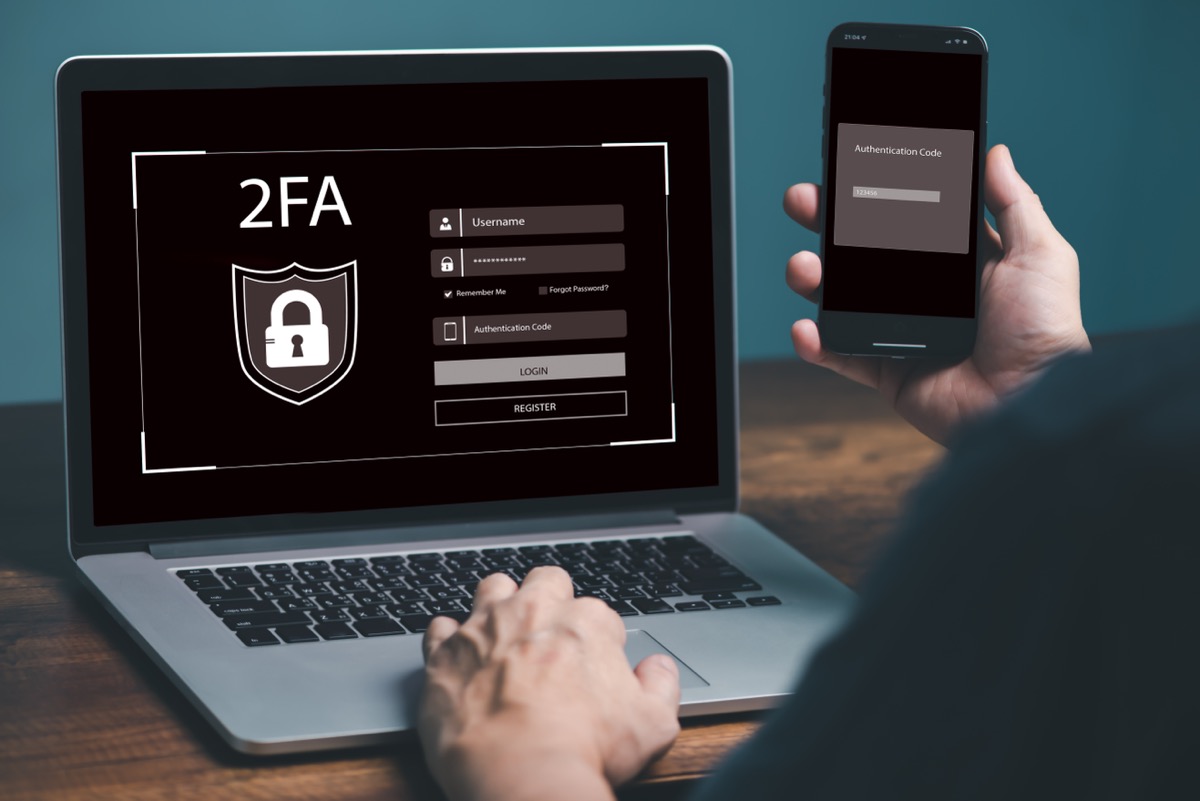
| ☐ | Use Multi-Factor Authentication (MFA) — even with stolen passwords, system access is denied without OTP |
| ☐ | Restrict software installation privileges — regular employees should not have admin rights on their machines |
| ☐ | Set up Email Filtering to catch spam bombs — use rate limiting to detect large volumes of emails in a short time |
| ☐ | Block unauthorized Remote Access Tools — allow only tools approved by the organization |
Social Engineering does not attack systems — it attacks people. The best defense is training and having clear processes in place.
— Saeree ERP Development Team
References
- Huntress — Threat Research Blog
- SharkStriker — Top Ransomware Attacks 2026
- World Economic Forum — Cyber Threats 2026
If your organization wants to strengthen ERP system security, you can schedule a demo or contact our advisory team for further discussion.